Python 檔案讀寫(File I/O)完整教學 | Python
2026/04/26
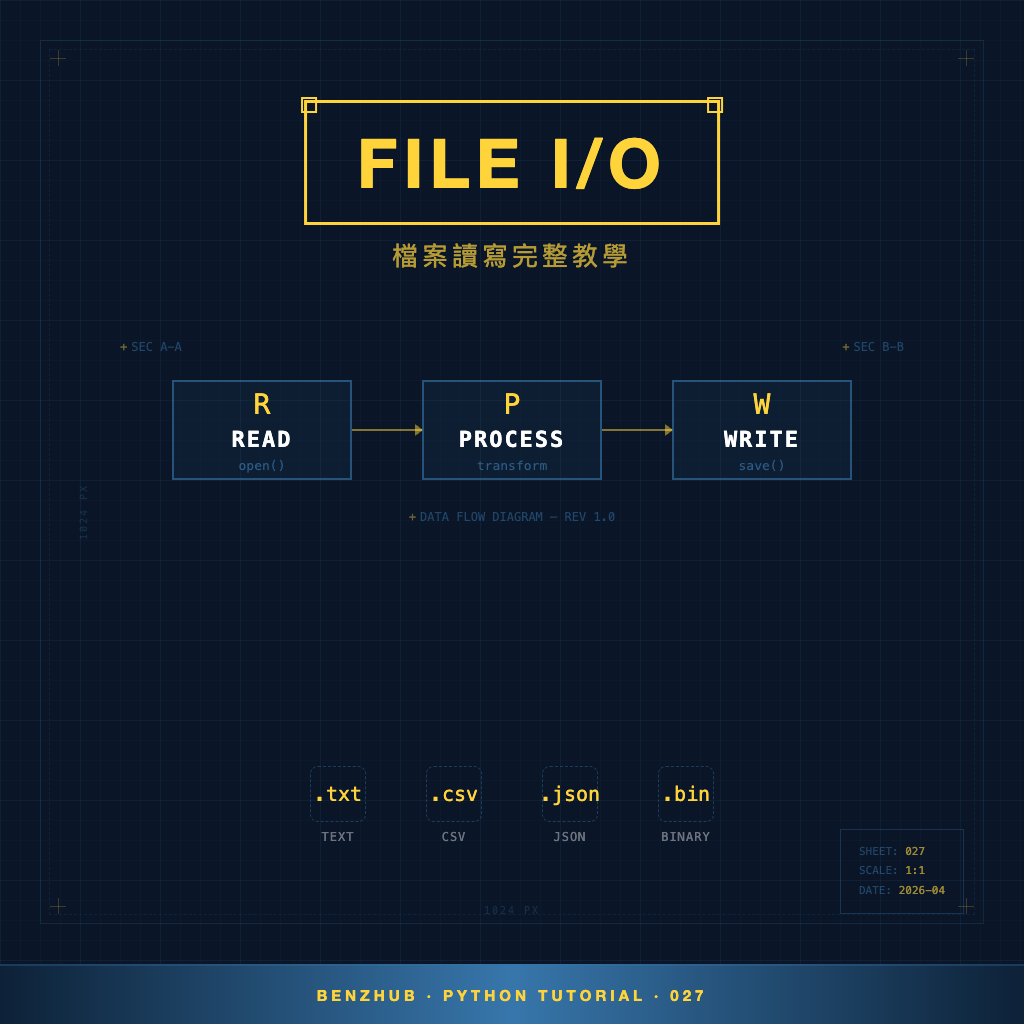
檔案讀寫(File I/O)是程式開發中不可或缺的技能。Python 提供了簡潔又強大的檔案操作方式,從基本的 open() 函式到現代化的 pathlib 模組,讓你能輕鬆處理各種檔案需求。
open() 函式與開啟模式
open() 是 Python 內建的檔案操作函式。常用的開啟模式如下:
| 模式 | 說明 |
|---|---|
"r" | 讀取模式(預設),檔案必須存在 |
"w" | 寫入模式,會覆蓋原有內容 |
"a" | 附加模式,在檔案末尾新增內容 |
"rb" | 以二進位模式讀取 |
"wb" | 以二進位模式寫入 |
建議搭配 with 語句使用,確保檔案自動關閉:
with open("example.txt", "r", encoding="utf-8") as f:
    content = f.read()
    print(content)
讀取檔案的三種方式
with open("example.txt", "r", encoding="utf-8") as f:
    content = f.read()        # 一次讀取全部內容

with open("example.txt", "r", encoding="utf-8") as f:
    first_line = f.readline() # 一次讀取一行

with open("example.txt", "r", encoding="utf-8") as f:
    lines = f.readlines()     # 讀取所有行,回傳列表
    print(lines)  # 輸出:['第一行\n', '第二行\n', '第三行\n']
對於大型檔案,建議逐行迭代,避免一次載入過多資料:
with open("large_file.txt", "r", encoding="utf-8") as f:
    for line in f:
        print(line.strip())
寫入檔案
# 寫入(覆蓋原有內容)
with open("output.txt", "w", encoding="utf-8") as f:
    f.write("第一行\n")
    f.write("第二行\n")

# 附加內容到檔案末尾
with open("output.txt", "a", encoding="utf-8") as f:
    f.write("這行會附加在最後\n")

# 寫入多行
lines = ["蘋果\n", "香蕉\n", "橘子\n"]
with open("fruits.txt", "w", encoding="utf-8") as f:
    f.writelines(lines)
編碼參數 encoding
處理中文時務必指定 encoding="utf-8",否則可能出現亂碼:
with open("chinese.txt", "w", encoding="utf-8") as f:
    f.write("你好,Python!")

with open("chinese.txt", "r", encoding="utf-8") as f:
    print(f.read())  # 輸出:你好,Python!
pathlib 模組:現代化路徑操作
pathlib 是 Python 3.4 引入的模組,提供物件導向的路徑操作方式:
from pathlib import Path

p = Path("mydir/myfile.txt")
print(p.name)    # 輸出:myfile.txt
print(p.stem)    # 輸出:myfile
print(p.suffix)  # 輸出:.txt
print(p.parent)  # 輸出:mydir
print(p.exists())  # 檔案是否存在
使用 pathlib 也能快速讀寫檔案及操作目錄:
from pathlib import Path

Path("new_folder").mkdir(parents=True, exist_ok=True)

Path("hello.txt").write_text("Hello!", encoding="utf-8")
content = Path("hello.txt").read_text(encoding="utf-8")
print(content)  # 輸出:Hello!

# 列出目錄中所有 .py 檔案
for py_file in Path(".").glob("*.py"):
    print(py_file)
總結
檔案讀寫是 Python 開發的基礎技能。記住使用 with 語句確保檔案自動關閉、處理中文時指定 encoding="utf-8"、大型檔案使用逐行迭代節省記憶體,並善用 pathlib 進行現代化路徑操作。希望這篇文章能幫助你掌握檔案讀寫的核心技巧。
關於 with 語句的原理與上下文管理器的詳細介紹,請參考 Python 上下文管理器(Context Manager)教學。
如果你想了解例外處理來應對檔案操作中的錯誤,請閱讀 Python 錯誤處理教學。